
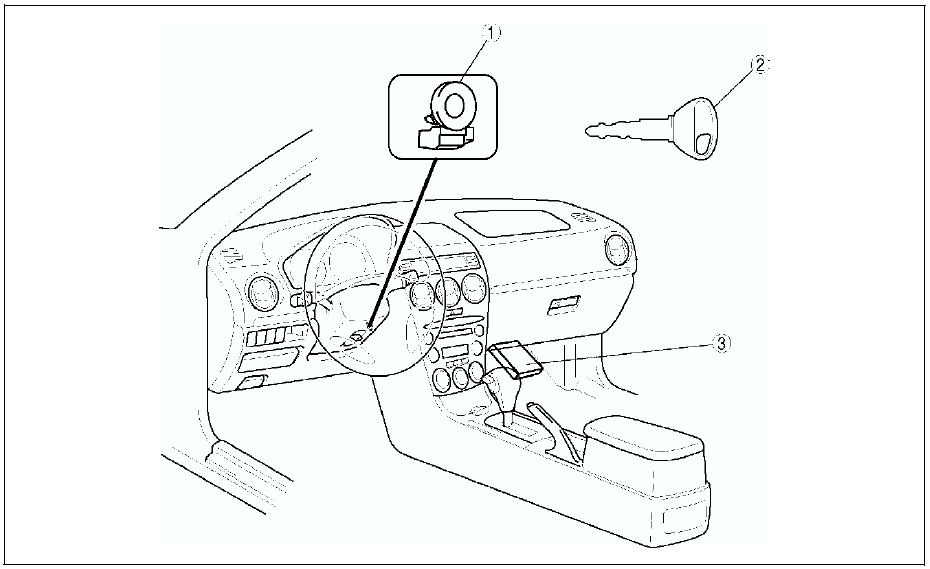
Mazda 6 Service Manual: Immobilizer system


 Audio and navigation system
Audio System
Car-navigation System
...
Other materials:
Mazda 6 Service Manual: Auto leveling control unit configuration
1. Connect the SST (WDS or equivalent) to the DLC-2.
2. Input vehicle information following the directions on the screen.
3. Select Module programming.
4. Select Programmable module installation.
5. When performing configuration corresponding to each auto leveling control
unit, select the fo ...
Mazda 6 Service Manual: Keyless Entry System
This system uses the key buttons to remotely lock and unlock the doors and the
trunk lid, and opens the trunk lid.
The system can start the engine without having to take the key out of your purse
or pocket.
It can also help you signal for attention or help.
Operating the theft-deterrent syste ...
© 2016-2026 Copyright www.mazda6info.net