
Mazda 6 Service Manual: Dtc b1213

Diagnostic procedure
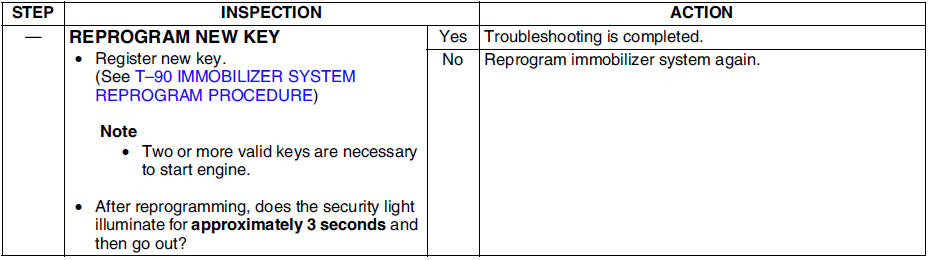
 Dtc b1601
Diagnostic procedure
...
 Dtc b1342
Diagnostic procedure
...
Other materials:
Mazda 6 Service Manual: Connectors
Data link connector
Insert the probe into the terminal when connecting a jumper wire to the
data link connector.
Caution
Inserting a jumper wire probe into the data link connector
terminal may damage the terminal.
Disconnecting connectors
When disconnecting connector, grasp ...
Mazda 6 Service Manual: Cooling (With air conditioner)
1. Set the mode selector dial to the
position.
2. Set the temperature control dial to the cold position.
3. Set the fan control dial to the desired speed.
4. Turn on the air conditioner by pressing the A/C switch.
5. After cooling begins, adjust the fan control dial and temperature control
d ...
© 2016-2026 Copyright www.mazda6info.net