
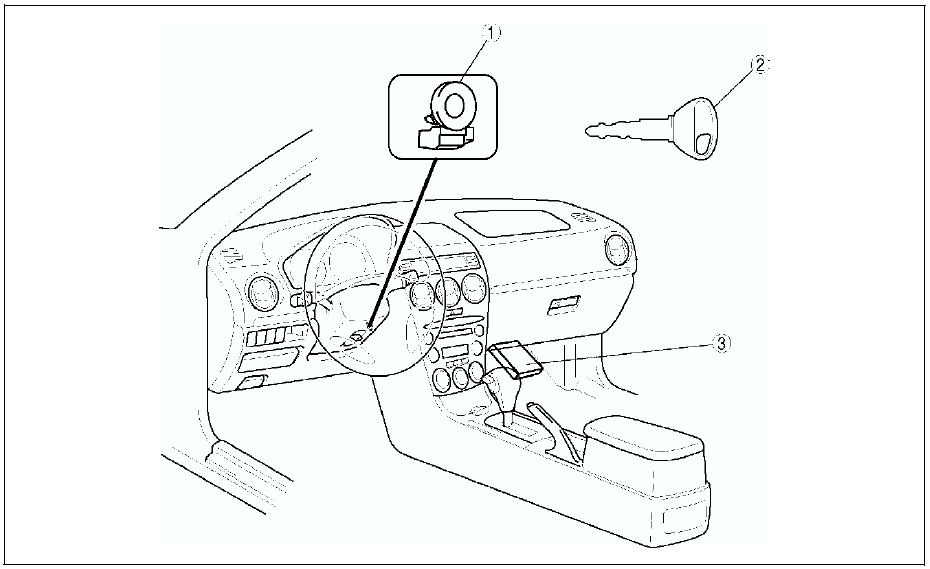
Mazda 6 Service Manual: Immobilizer system


 Audio and navigation system
Audio System
Car-navigation System
...
Other materials:
Mazda 6 Service Manual: Lane-Change Signals and Three-Flash Turn Signal
Lane-Change Signals
Move the lever halfway toward the direction of the lane change—until the indicator
flashes— and hold it there. It will return to the off position when released.
Three-Flash Turn Signal
After releasing the turn signal lever, the turn signal indicator flashes three
times ...
Mazda 6 Service Manual: Bonnet removal/installation
Warning
Removing the bonnet without supporting can be dangerous. The
bonnet may fall and injure you. Always perform the following procedure with
at least another person.
1. Disconnect the windshield washer hose.
2. To remove the bonnet hinge, remove the front fender panel.
3. To remov ...
© 2016-2026 Copyright www.mazda6info.net