
Mazda 6 Owners Manual: Warning/Indicator Lights
Instrument Cluster varies depending on model and specifications.
Instrument Cluster
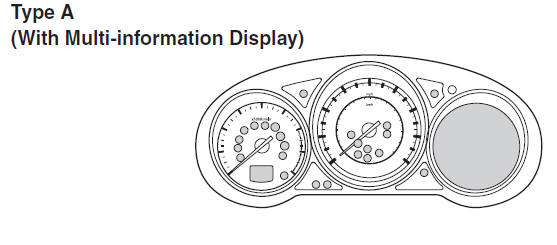
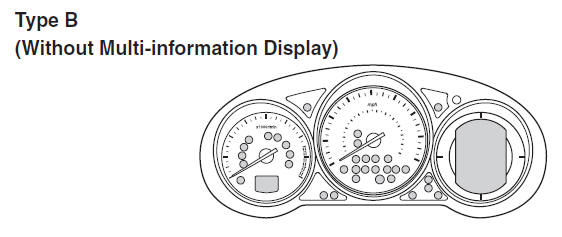
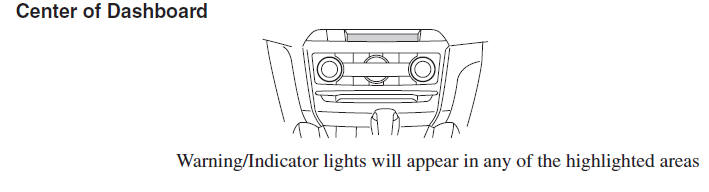
- Warning Indication/Warning Lights
- Indication/Indicator Lights
- Wrench Indicator Light (Some models)
- Low Engine Coolant Temperature Indicator Light (Blue) (Some models)
 Active Driving Display (Some models)
WARNING
Always adjust the display brightness and position with the vehicle stopped:
Adjusting the display brightness and position while driving the vehicle is dangerous
as doing so could distra ...
 Warning Indication/Warning Lights
These lights turn on or flash to notify the user of the system operation status
or a system malfunction.
*1 The light turns on when the ignition is switched on for an operation check,
and t ...
Other materials:
Mazda 6 Owners Manual: Dashboard removal/installation
1. Disconnect the negative battery cable.
2. Remove the glove compartment.
3. Remove the console.
4. Remove the meter hood.
5. Remove the instrument cluster.
6. Remove the column cover.
7. Remove the lower panel.
8. Remove the steering shaft.
9. Remove the A-pillar trims.
10. Remove the fro ...
Mazda 6 Owners Manual: Emergency Locking Mode
When the seat belt is fastened, it will always be in the emergency locking mode. In the emergency locking mode, the belt remains comfortable on the occupant and the retractor will lock in position during a collision.
If the belt is locked and cannot be pulled out, retract the belt once, and then ...