
Mazda 6 Owners Manual: Warning/Indicator Lights
Instrument Cluster varies depending on model and specifications.
Instrument Cluster
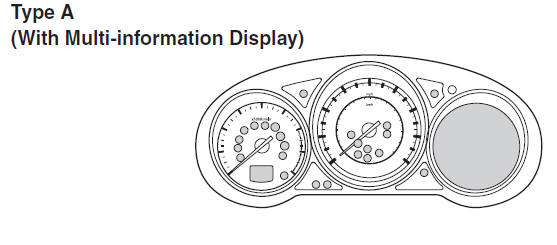
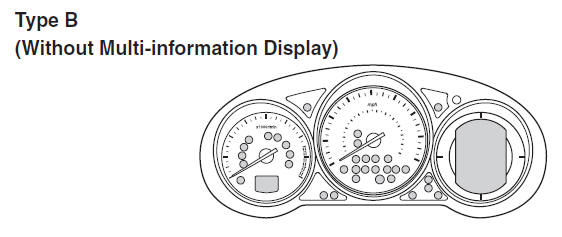
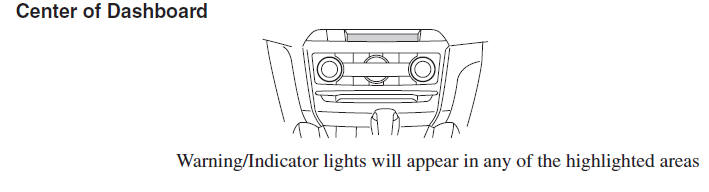
- Warning Indication/Warning Lights
- Indication/Indicator Lights
- Wrench Indicator Light (Some models)
- Low Engine Coolant Temperature Indicator Light (Blue) (Some models)
 Active Driving Display (Some models)
WARNING
Always adjust the display brightness and position with the vehicle stopped:
Adjusting the display brightness and position while driving the vehicle is dangerous
as doing so could distra ...
 Warning Indication/Warning Lights
These lights turn on or flash to notify the user of the system operation status
or a system malfunction.
*1 The light turns on when the ignition is switched on for an operation check,
and t ...
Other materials:
Mazda 6 Owners Manual: No.6 windshield fogged
When performing an asterisked (*) troubleshooting inspection, shake the
wiring harness and connectors while doing the inspection to discover whether
poor contact points are the cause of any intermittent malfunctions. If there
is a problem, check to make sure connectors, terminals and wir ...
Mazda 6 Owners Manual: No.1 while vehicle is in reverse, vehicle locator mark goes forward
When performing an asterisked (*) troubleshooting inspection, shake the
wiring harness and connectors while doing the inspection to discover whether
poor contact points are the cause of any intermittent malfunction. If there
is a problem, check to make sure connectors, terminals and wiri ...